Re-Onboarding Dormant Users After Major Feature Releases
Treat dormant users as a reactivation cohort, not a broadcast list.
A major feature release is a second activation window for every dormant user in the database, and most teams waste it by sending an announcement instead of a next action. The release only works as reactivation if dormant users get treated as a distinct audience with their own evidence and their own starting point, not folded into a broadcast list alongside everyone else.
How a major feature release creates a second activation window for dormant users
Dormancy doesn't look like churn. A dormant user still has an account and still shows up as "active" in the billing system, but never built sustained use of the product to begin with. The same structural failure as initial non-activation is occurring, just later and under a different name.
Most re-engagement programs built around a release misread this. That approach treats dormancy as an attention problem, something solved by getting in front of the user one more time, but it isn't. The product changed around the user without ever re-establishing what they, specifically, should do next given what they had and hadn't done before. The original activation gap was never closed. The release just makes that gap wider, because now there's more product to not understand.
The useful reframe here comes from the "everboarding" model described in saasui.design's 2026 SaaS onboarding guide: leading products treat onboarding as something continuous rather than a one-time flow. New features get introduced contextually, at the moment a user first encounters them, and re-engagement campaigns bring dormant users back with targeted prompts tied to their specific situation rather than general announcements. That distinction, targeted prompt versus announcement, is the whole argument of this piece.
The window closes fast. Early repeat use in the days right after a prompted re-entry is what predicts whether the adoption sticks. What a team actually needs to build is treating the release as a reactivation opportunity instead of an announcement.
How dormancy compounds after major releases
Improving onboarding for new signups does nothing for the users already stuck. The cohort that benefits gets bigger. The dormant population stays exactly where it was.
Recovering those users requires picking up from where they actually left off, not restarting them at step one of a generic flow. That principle, built for abandoned-onboarding recovery, applies with the same force to a dormant user re-entering after a major release. A user who never got past step one needs something else.
The measurement side makes this harder before it makes it easier. Without a clear, eligible-cohort view, separating who's dormant from who was never activated in the first place, a team can't identify who even qualifies for a re-onboarding push. The dormant population is invisible inside aggregate dashboards that only report total active users against total signups.
At the account level, the math gets sharper. Accounts with multiple activated users churn at a fraction of the rate of single-user accounts, SaaSFactor's activation research found. One re-engaged user is not the same as a re-engaged account.
The release itself can make a marginal user more marginal. New UI, new navigation, new surface area to learn all raise the cognitive cost of coming back, and that cost lands hardest on someone who was already on the edge of disengaging before the release happened. Old users need a separate campaign built for their specific state. That campaign can't do anything useful until a team knows what that state actually is, which is exactly the next problem to solve.
Identifying who qualifies for re-onboarding before writing a single message
The eligible cohort for a re-onboarding campaign is the intersection of two groups: users whose past behavior shows the new feature is actually relevant to them, and users who haven't encountered it yet. That intersection is usually a lot smaller than the raw dormant list, and that's the point.
Getting there requires two signals held together, not one substituting for the other. Database state, plan tier, role, configuration, which features they even have access to, tells a team what's possible for a given user. Behavioral history alone produces targeting that misses users who lack access to the feature. Both signals together are what makes a message worth sending.
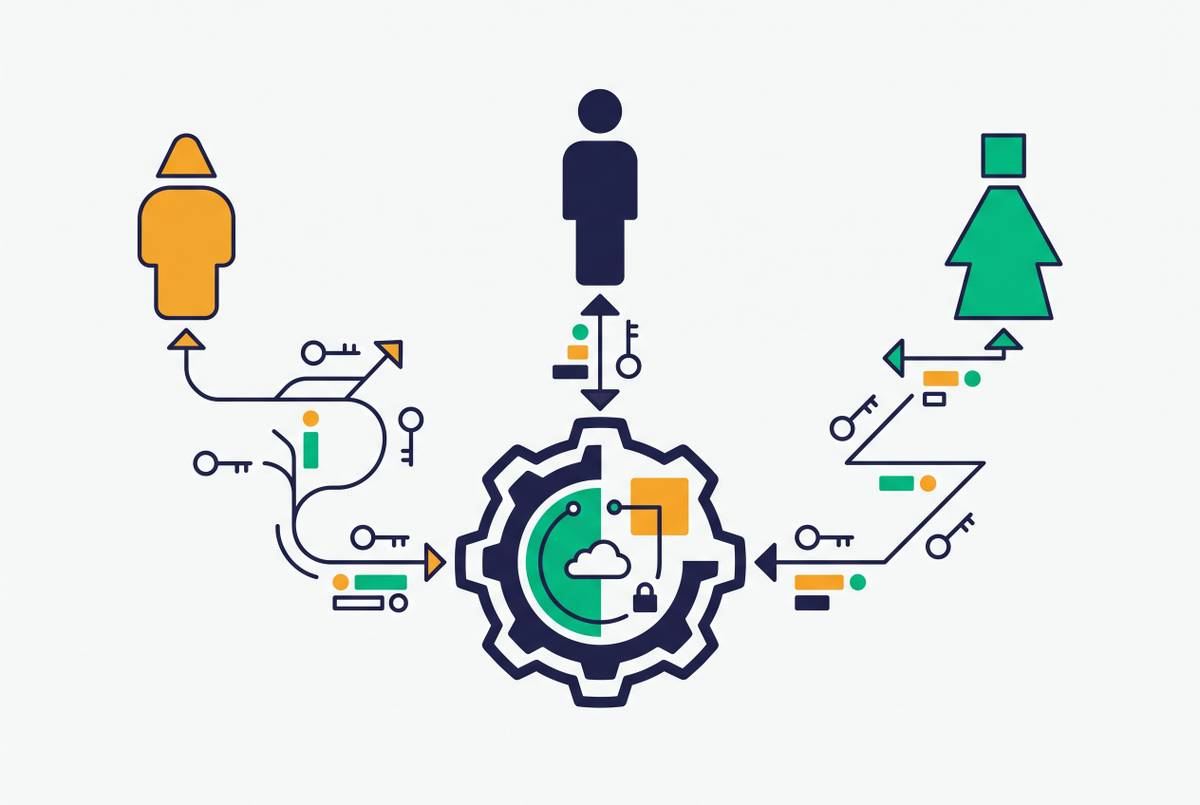
The release window is time-limited, and the re-entry prompt has to be grounded in each user's actual usage history rather than sent as one broadcast to the whole list. Platforms like Userlens, which read each person's behavioral data and generate personalized next-step guidance rather than announcements, treat the re-engagement moment as a chance to close the original activation gap with context, giving dormant users the specific action they actually need instead of a feature changelog.
Dormant doesn't mean the same thing for every user in that cohort. Some dormant users reached an initial activation moment and then lapsed. Others never activated at all. Someone who once built a working report and stopped logging in needs a different message than someone who signed up and never came back.
At the B2B account level, the unit that matters is the person. Identifying which individuals inside a dormant account have usage histories relevant to the new feature changes what message each person receives, rather than treating the whole account as a single "inactive" unit. An admin and a read-only teammate inside the same dormant account need completely different prompts.
Done right, this step doesn't produce a segment to broadcast to. It produces a list of specific people, each with enough behavioral context behind them to justify a specific, grounded message. That's the handoff point from data work to message design.
What dormant users need: routing to action, not explanation
The re-engagement prompt has to route a dormant user straight to the new feature's first meaningful action. Not a changelog. Not a walkthrough video. Not a feature announcement page with a list of bullet points describing what changed.
SaaSUI Design's 2026 onboarding patterns research calls out the pattern worth copying here: the highest-converting flows invert the usual explain-then-do sequence, dropping users into creating something real within the first minute and letting the learning happen around that experience. The lesson transfers directly to re-onboarding. A dormant user doesn't need a tour of what's new. They need to be inside the new feature, doing the one thing it was built for, within the first minute of re-entry.
Asana's adaptive checklist shows what this looks like for someone who isn't starting from zero. The checklist reads what a user has already done, created a project, added a task, invited a teammate, and adjusts the remaining steps accordingly. A dormant user re-entering after a release needs the same logic: re-enter at their actual state, not at the beginning of a flow built for someone who's never touched the product.
That means re-onboarding flows for dormant users need to be shorter, often radically shorter, than onboarding for a brand-new signup. A returning user already carries context a new user doesn't have. The flow should skip everything that user already knows and route them straight to the single next action that matters for them specifically.
The message that triggers that re-entry can't describe the feature in general terms. It needs to be grounded in what that individual has already done in the product and what the new feature actually enables for them, specifically, given that history. One of those gets ignored. The other gets opened because it's clearly about something the user already cares about.
Why behavioral triggers beat scheduled broadcast sequences
Behavior-based onboarding emails work because they fire at the moment a user's actual behavior justifies contact, not because the copy is friendlier. A behavioral trigger assumes nothing and checks first.
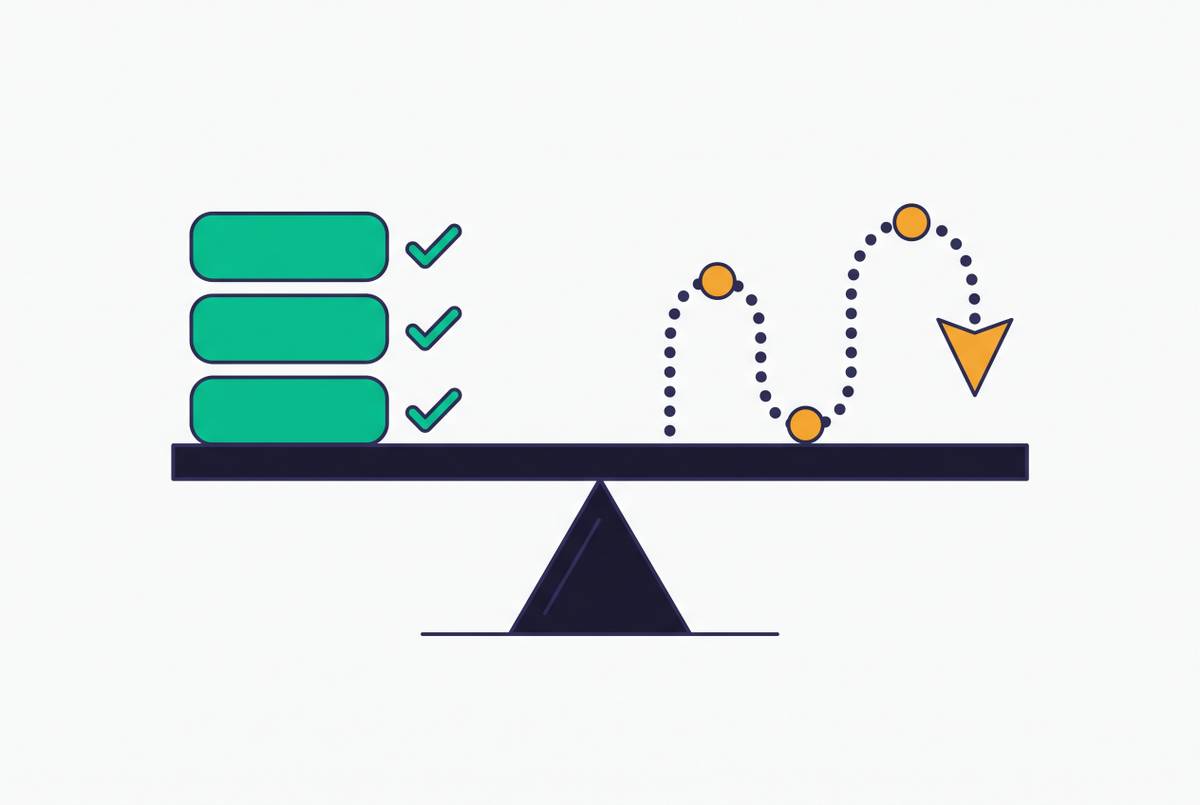
Being in the eligible cohort doesn't automatically justify sending a message. Weak evidence, a thin usage history, an ambiguous role, access to the feature but no clear sign it's relevant, should produce a skip, not a generic prompt sent just in case. That's the real difference between a system that sends because a user technically qualifies for a segment and a system that sends because the evidence for that specific message is strong enough to act on.
The real target for this kind of trigger is what happens in the product afterward, not the open rate or the click. Did the user complete the feature's first meaningful action? Did they repeat it in the days that followed? An open with no product behavior behind it is a notification, not a reactivation.
OnRamp's Aero AI shows one version of this monitoring logic in practice: rather than waiting for a task to go overdue and then firing a reminder, Aero monitors every active onboarding at once, flags accounts that are falling behind or going quiet, and re-engages them before the gap gets worse. The eligible cohort emerges from combining database state (plan tier, role, configuration, feature access) with behavioral history (what a user has and hasn't done), treated as independent pieces of evidence rather than filtered only at the moment a broadcast goes out. Account intelligence platforms like Userlens enforce that logic at the message gate itself: they skip when the evidence is weak and send only when a user's configuration and usage pattern actually justify the prompt, so the campaign reaches the right person for the right reason instead of everyone sitting in a segment.
Userlens's Lumi operates on this principle at the individual level: it reads a person's raw product usage alongside their current database state, writes the message that person actually needs based on those signals, sends within campaign-level guardrails a human approved once, and then queries product data to answer whether behavior changed, skipping when the evidence is weak rather than defaulting to send. Weak evidence produces a skip rather than a default send. That's the operational definition of a behavior-based system, as opposed to a scheduled one dressed up to look personalized.
Prescriptive re-onboarding versus descriptive analytics and lifecycle marketing
Most tools available to a customer success or growth team today describe what happened. They don't decide what to do next for a specific person and then do it. That distinction is the reason most teams can diagnose dormancy perfectly well and still can't fix it.
Harvard Business School's customer analytics explainer draws the line cleanly: prescriptive analytics combines historical data with predictive modeling to recommend an action an organization should take, while descriptive analytics uses historical data to describe actions that already happened, past purchases, website traffic, prior interactions, surfaced as patterns. Most CS platforms and lifecycle marketing tools stop at description or at prediction, stopping short of the action itself.
A health-score dashboard tells a team which accounts look at risk. It doesn't write a message to a specific person inside that account grounded in what they've actually done and what the new feature enables for them. A lifecycle marketing tool sends a feature announcement to a defined segment, but it doesn't independently check whether each person in that segment has enough evidence to justify being contacted at all, and what it measures afterward is opens and clicks, not whether anything changed inside the product.
Re-onboarding after a major release needs the prescriptive layer specifically: a system that reads a person's state and behavior, decides whether the evidence justifies a message, writes that message grounded in the specific evidence it found, enforces the send-gate rules already set, sends, and then measures what happened in the product afterward. Userlens reads usage and state together and generates next-step guidance for re-onboarding rather than a generic announcement.
Building it this way raises the adoption numbers. A PLG team running API monitoring segmented its dormant and active users by plan tier and role before measuring anything, and found that framing adoption against the eligible cohort made the adoption number mean something. Descriptive tools could have told that team their adoption rate looked low. Only the prescriptive approach, built around the eligible cohort, told them which specific users to re-engage and why.
Measuring whether re-onboarding worked: adopted versus merely notified
Success in a re-onboarding campaign is repeated, successful use of the new feature within a defined window after the prompt went out.
A user who opens an email and clicks through to the feature once, then never touches it again, has been notified. A user who completes the feature's first meaningful action and repeats it in the days that follow has been re-onboarded. Those are different outcomes, and conflating them is how teams end up celebrating a launch email while the feature itself sits unused by the exact cohort that email was supposed to reach.
The cohort math matters here the same way it mattered in identification. Adoption measured against the eligible cohort, the users who actually qualified and actually received a grounded prompt, tells a team whether the campaign worked. Adoption measured against the total dormant population, most of whom were never eligible or never should have been contacted in the first place, tells a team almost nothing.
The real test of a re-onboarding campaign is whether the feature's first meaningful action, repeated at least once in the days following re-entry, occurs at a higher rate inside the targeted cohort than it did before the prompt went out. That single comparison, before and after, inside the eligible group, is what separates a campaign that moved behavior from one that just moved attention for a few seconds.